Creating a home office that balances comfort with functionality is key to maintaining productivity and enjoying your work-from-home experience. Whether you have a dedicated room or a small corner, thoughtful design can make your workspace both cozy and efficient. Here are helpful tips to guide you in setting up a home office that feels welcoming and supports your daily tasks.
Choose the Right Location
Start by selecting a spot in your home that fits your work style and minimizes distractions. Ideally, this will be a quiet area away from heavy foot traffic. Natural light is a big plus, so if possible, pick a location near a window. Good lighting improves mood and reduces eye strain.
Invest in an Ergonomic Chair and Desk
Comfort is crucial in a home office. An ergonomic chair supports your posture during long hours, reducing back and neck strain. Look for adjustable features to customize height and lumbar support. Pair it with a desk at the right height that offers enough surface area for your computer, paperwork, and other essentials.
Organize with Storage and Declutter
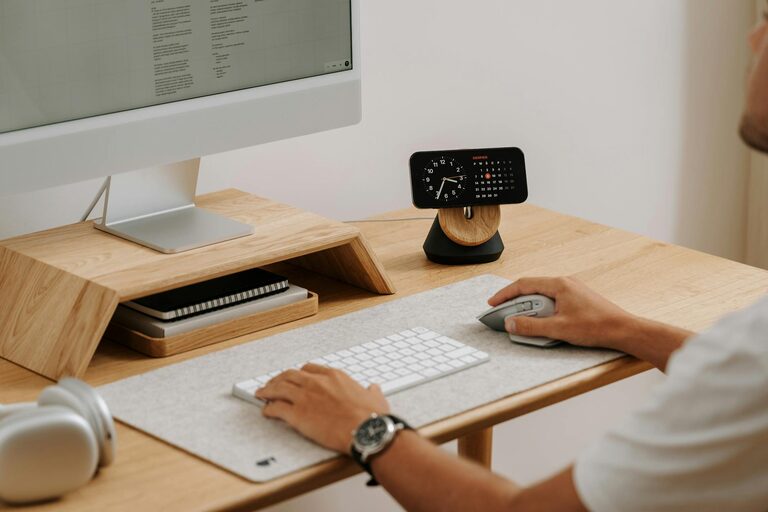
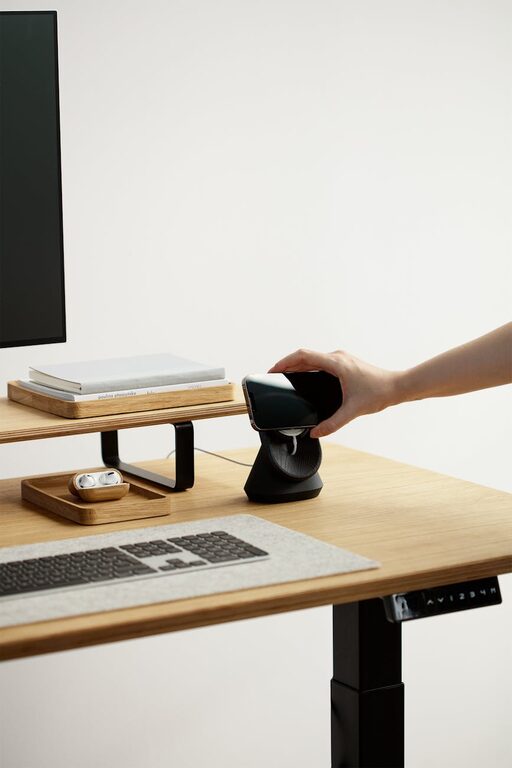
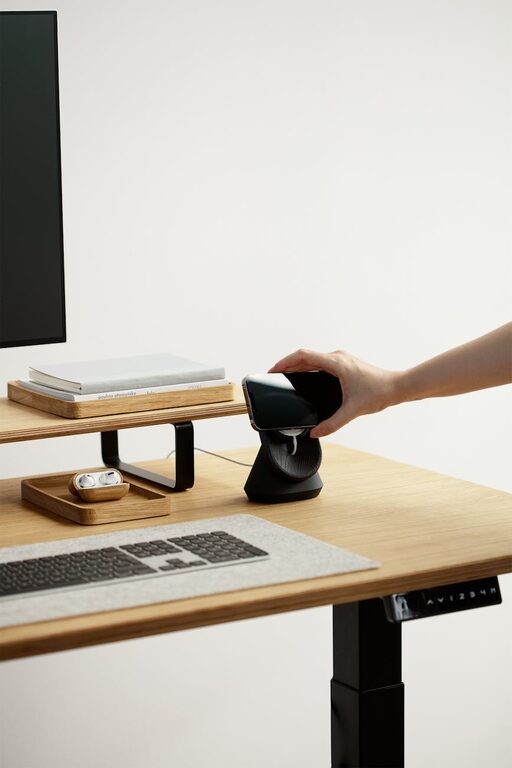
A tidy workspace helps you focus. Use shelves, filing cabinets, or storage boxes to keep papers, supplies, and gadgets organized. Labeling containers can save time. Try to keep your desk surface clear except for frequently used items. Minimal clutter promotes a clearer mind.
Personalize Your Space
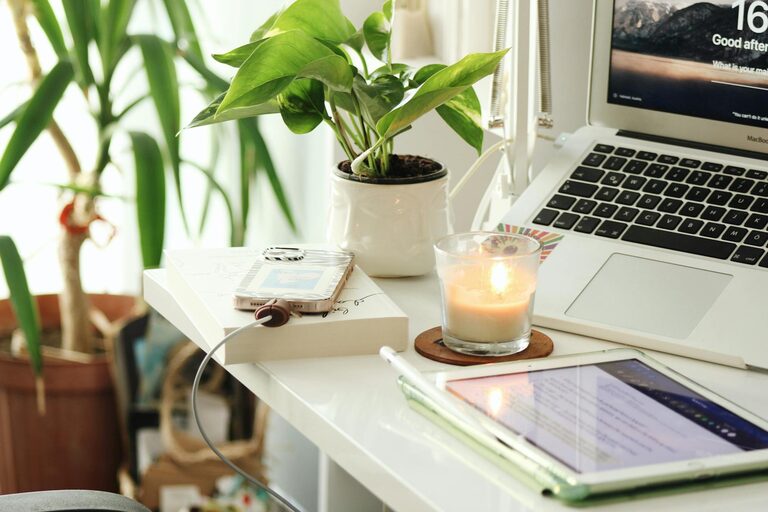
Adding personal touches makes your office feel inviting. Consider framed photos, plants, artwork, or a favorite mug for your coffee. Decorative cushions or a cozy blanket can add warmth. Just be sure not to overcrowd the space—balance aesthetics with function.
Optimize Lighting
In addition to natural light, incorporate layered lighting for different tasks. A good desk lamp lighting your work area is essential, especially for reading or detailed projects. Soft ambient lighting can create a comfortable atmosphere for breaks and less intensive work periods.
Manage Cables and Technology
Messy cords can distract and create safety hazards. Use cable organizers or clips to keep wires tidy and out of the way. Invest in reliable technology like a fast computer, quality headset, and a stable internet connection to avoid interruptions and frustration.
Create Zones for Different Tasks
If space allows, designate areas for specific activities. For example, a main desk for computer work, a small table or surface for writing or brainstorming, and a comfortable chair for reading or phone calls. This separation can help your brain switch modes and stay organized.
Consider Sound Control
Noise can break your concentration. To reduce distractions, add rugs, curtains, or acoustic panels to absorb sound. Noise-canceling headphones are a practical solution if you can’t control ambient noise from pets, family, or street sounds.
Use Color and Decor to Boost Mood
Colors influence productivity and well-being. Soft blues or greens tend to be calming, while warmer colors like yellow or orange can inspire creativity. Choose tones that suit you and keep decor simple but uplifting.
Take Breaks and Move Around
Even in the best setup, it’s important to step away regularly. Set a timer to remind yourself to stretch, walk, or relax your eyes every hour. A comfortable office supports your work, but balance includes giving your body and mind a break.
—
By combining comfort, organization, and personal style, your home office can become a space where you look forward to working. Small changes can make a big difference in your daily routine and overall productivity. Start with these tips to create a cozy and functional workspace that fits your lifestyle.