Creating a productive home office environment can significantly improve your focus, efficiency, and overall work satisfaction. Whether you’re new to working from home or simply want to enhance your current setup, making thoughtful adjustments can help you stay motivated and accomplish your daily tasks with ease. This guide offers practical tips for designing a home office space that supports productivity.
1. Choose the Right Location
Selecting the right spot for your home office is the foundation of a productive workspace.
– Quiet and private: Find a place where you can minimize noise and avoid frequent interruptions.
– Natural light: If possible, choose a space near a window. Natural light can enhance mood and reduce eye strain.
– Space considerations: Make sure there is enough room for your desk, chair, and other essentials.
2. Invest in Ergonomic Furniture
Comfort is crucial for maintaining focus during long working hours.
– Ergonomic chair: Look for a chair with good lumbar support, adjustable height, and comfortable cushioning.
– Desk height: Your desk should allow your arms to rest comfortably with elbows at a 90-degree angle.
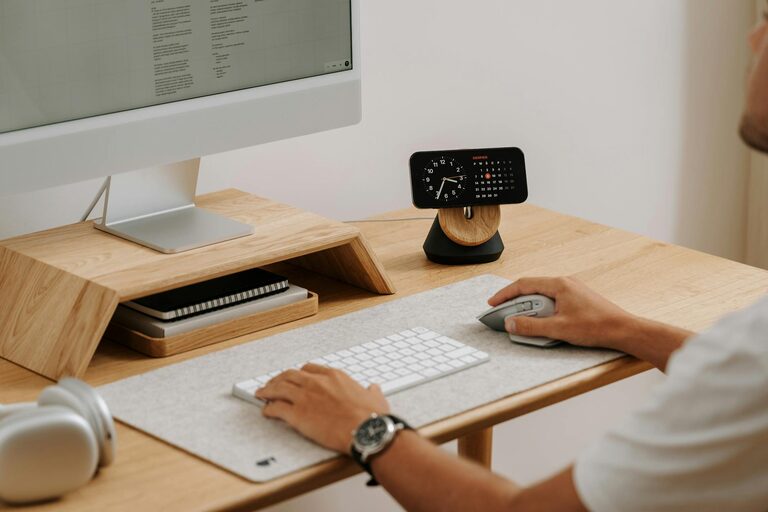
– Monitor placement: Position your computer screen at eye level to reduce neck strain.
3. Keep Your Workspace Organized
An organized space helps clear your mind and makes it easier to find what you need.
– Declutter regularly: Remove unnecessary items from your desk and drawers.
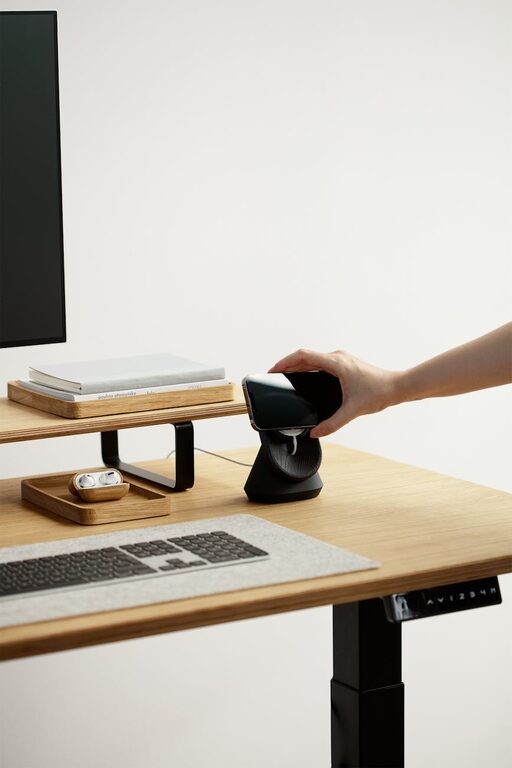
– Use storage solutions: Shelves, filing cabinets, and desk organizers can keep papers and equipment tidy.
– Cable management: Use clips or sleeves to keep cords from tangling.
4. Establish Good Lighting
Proper lighting prevents eye fatigue and keeps you alert.
– Combine natural and artificial light: Use window light during the day and desk lamps for focused illumination.
– Use adjustable lighting: Having a lamp with brightness controls allows you to adapt to different tasks.
– Avoid glare: Position screens and light sources to minimize reflections.
5. Personalize Your Space
Adding personal touches can make your home office more inviting and motivating.
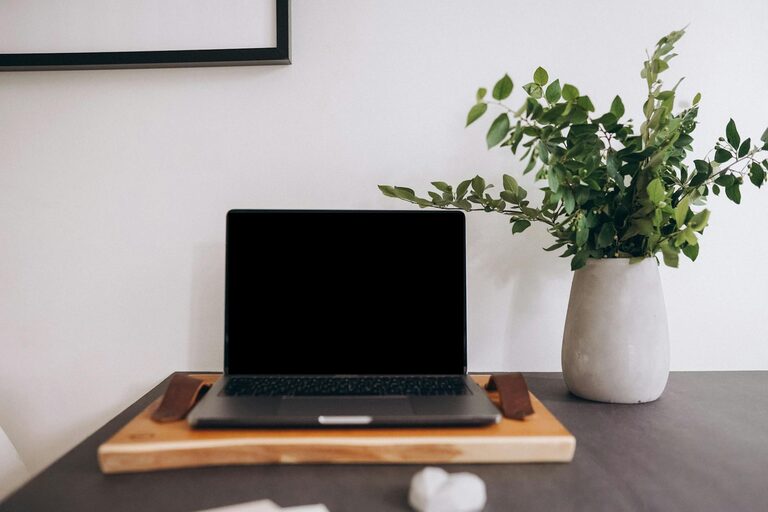
– Add plants: Indoor plants improve air quality and add a calming visual element.
– Artwork and photos: Decorate with items that inspire you or bring positive memories.
– Color choices: Use colors that energize or soothe you, depending on your preference.
6. Minimize Distractions
Creating boundaries helps you stay on track during work hours.
– Set clear work hours: Communicate your schedule with others in your household.
– Use noise-canceling headphones: These can block out background noise.
– Limit non-work items: Keep entertainment devices out of sight during work hours.
7. Incorporate Break Areas
Taking breaks refreshes your mind and prevents burnout.
– Designate a separate space: If possible, have a spot away from your desk where you can relax.
– Stand and stretch: Regular movement boosts circulation and focus.
– Stay hydrated and snack healthily: Keep water and nutritious snacks nearby.
8. Use Technology Wisely
Technology can enhance or hinder your productivity depending on how you use it.
– Reliable internet: A stable connection is essential for most remote work.
– Useful apps: Use tools for task management, scheduling, and communication to stay organized.
– Limit notifications: Turn off non-essential alerts to reduce distractions.
Conclusion
Creating a productive home office environment doesn’t mean you need a large space or expensive equipment. By choosing the right location, investing in ergonomics, keeping your area organized, and setting clear boundaries, you can design a workspace that supports your best work. Remember to personalize your office and take regular breaks to maintain balance and motivation. With these tips, your home office can become a place where productivity and comfort coexist.